
Africa's Talking
Before deployment
Before deploying your chatbot on Africa's Talking, you must create an Africa's Talking account. Once you have an active account, make a note of your Username, API Key, and Short code.
Adding Africa's Talking as a channel
To deploy your chatbot on Africa's Talking: Go to Apps > Select "Create App" button.
In the dropdown, select Africa's Talking. Next, give your deployment channel a name, and select a language. Click Create.
Africa's Talking channel settings
Below are the details for each of the settings sections in your Africa's Talking channel.
Basics
Enable/Disable - this makes the channel live to the public
Name - this allows you to edit the channel name within the AICX platform
Language - this allows you to set the default language for customers using this channel
Icon - this allows you to set the icon that will show for your chatbot
Delete - this allows you to remove channel

Configuration
Username - your Africa's Talking username
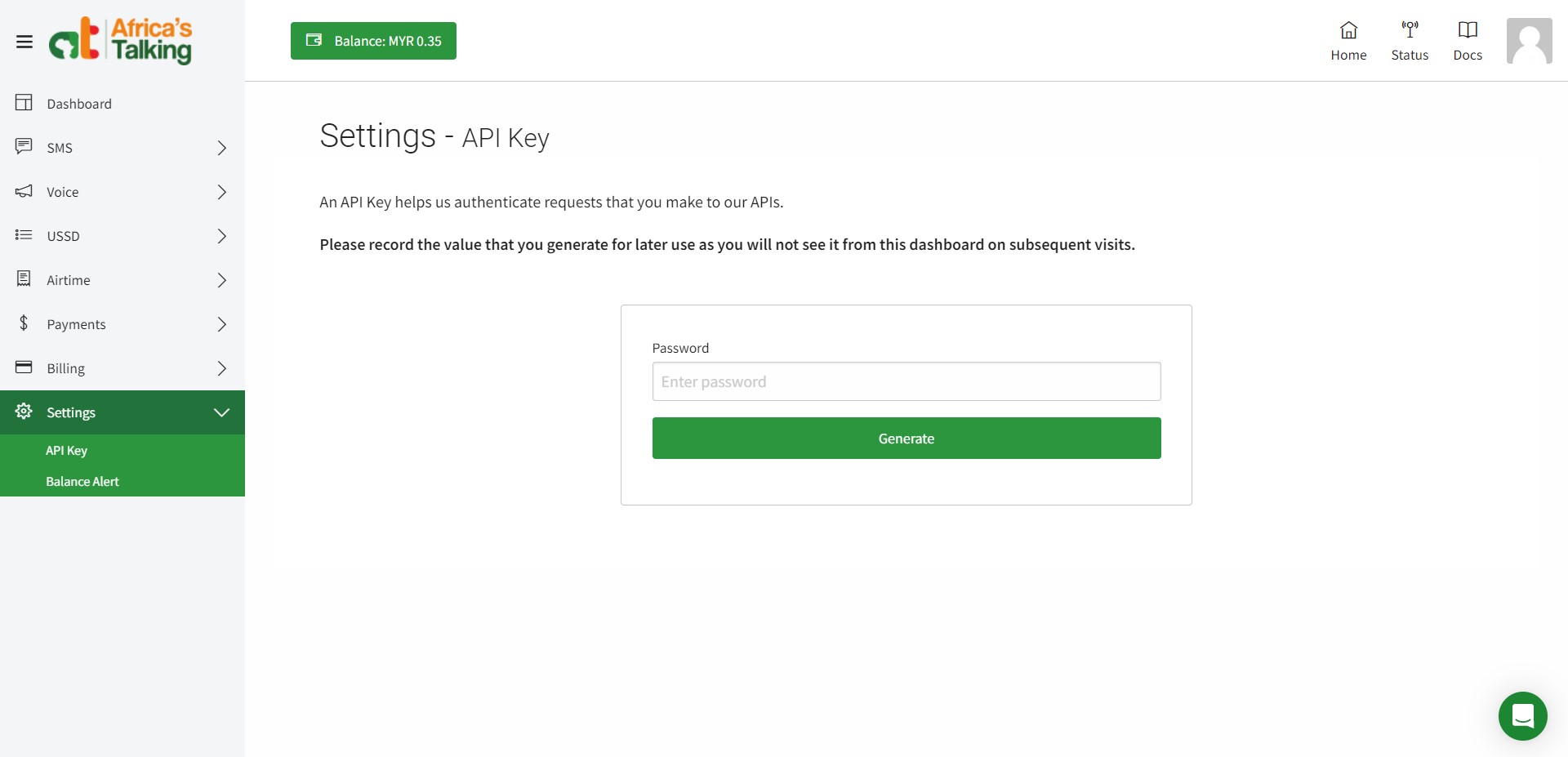
API Key - generated in Africa's Talking account (Settings > API Key page)
Short code - generated in Africa's Talking account (SMS > Shortcodes > Create Shortcode page)

Webhook
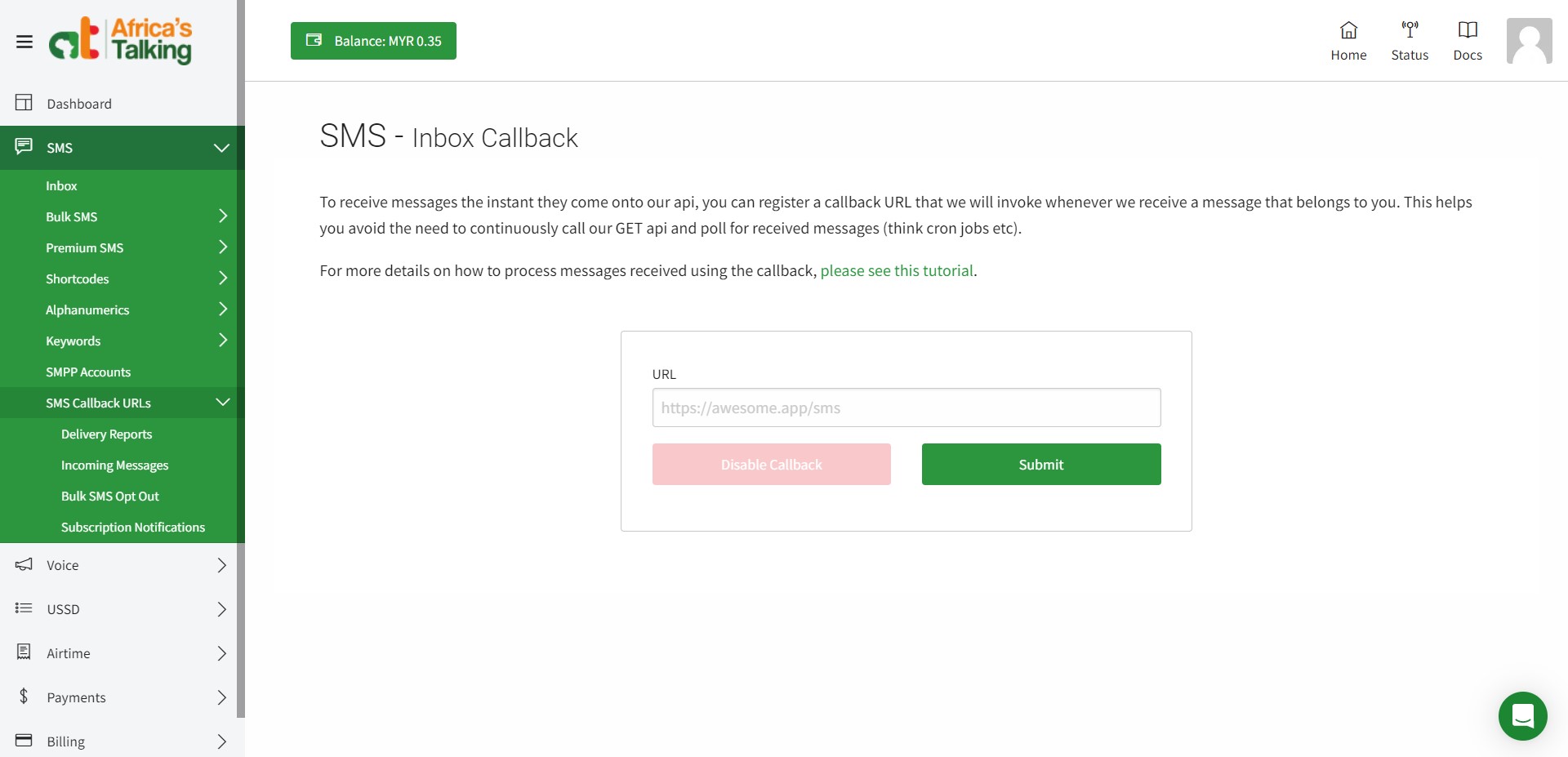
Used to integrate with Africa's Talking (SMS > SMS Callback URLs > Incoming Messages page).

Configure your Africa's Talking channel
Create a New Team on your Africa's Talking account.
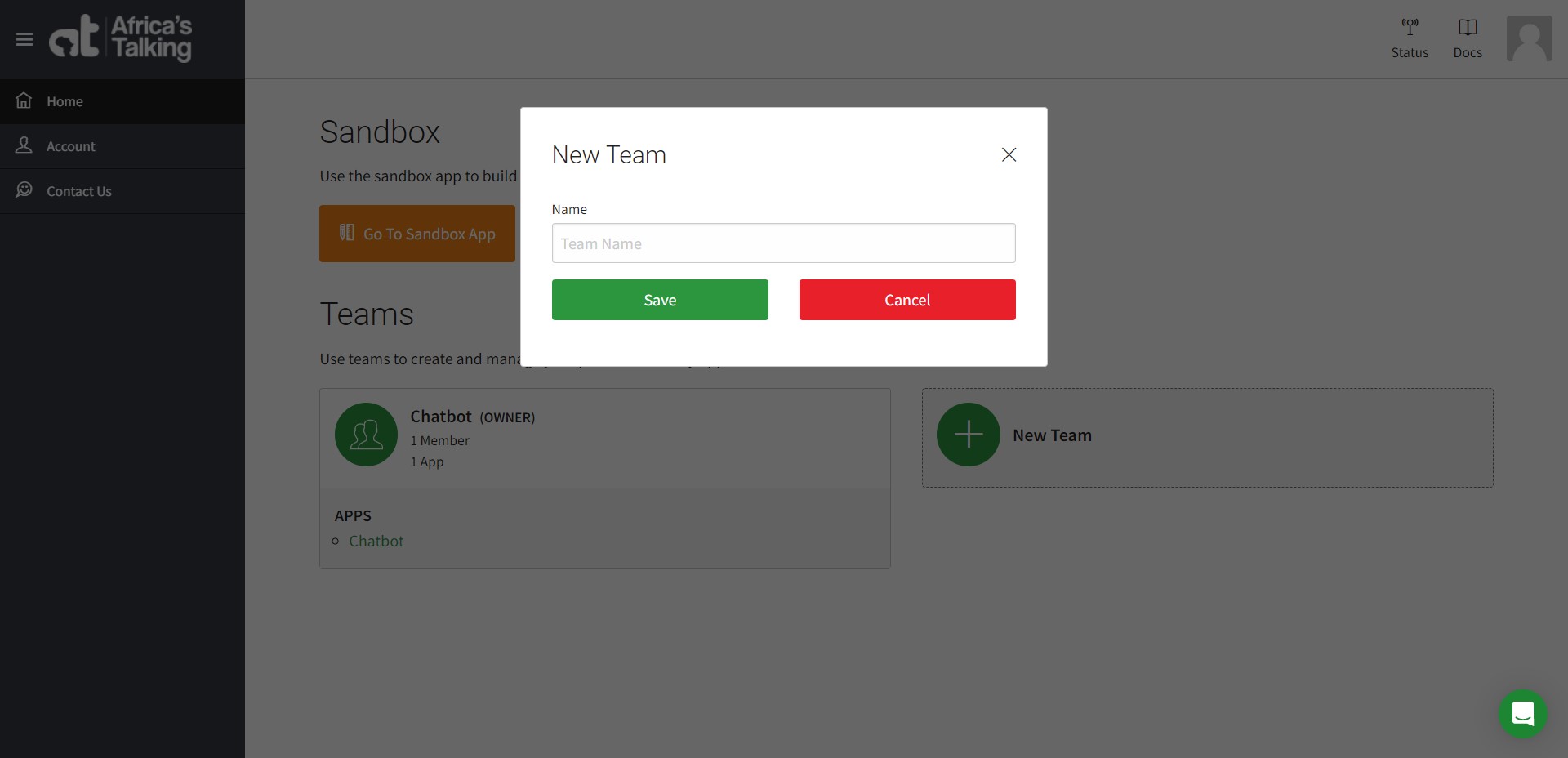
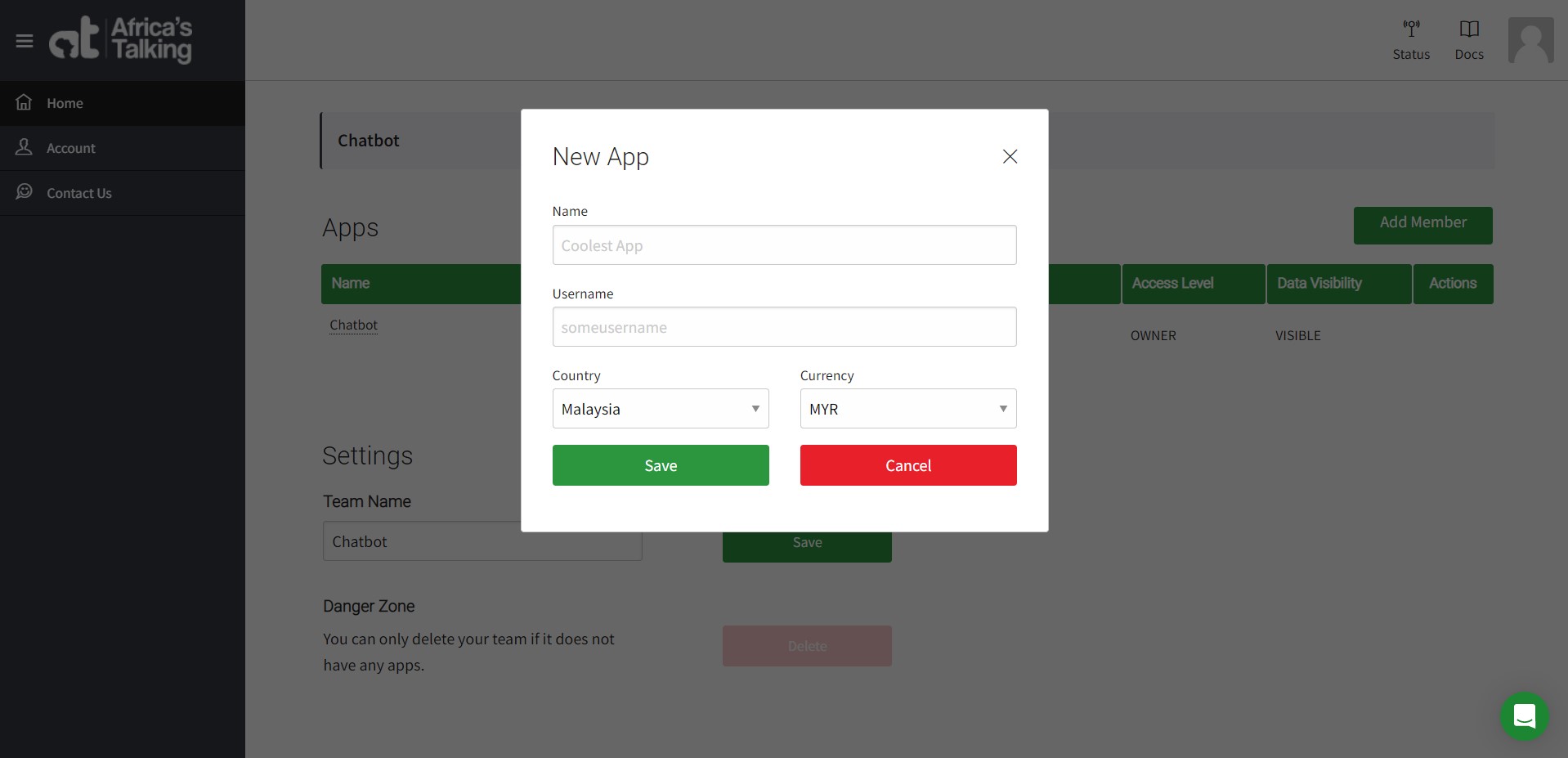
Create an App in the team and setup the Name, Username, Country, and Currency of your app.
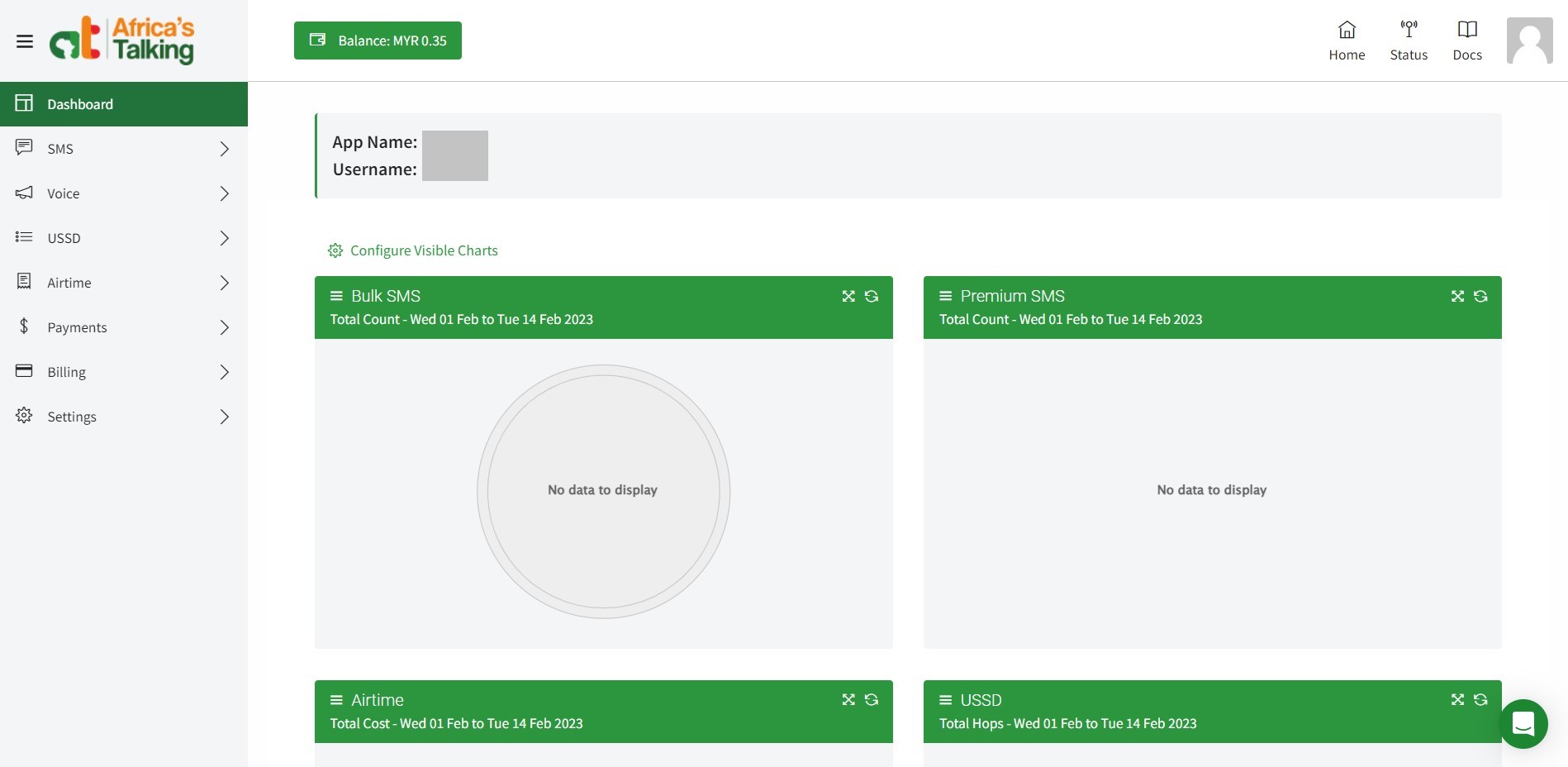
Click on the app you just created and you will be able to view your app dashboard.
Copy the Username of your app. Go to the Africa's Talking channel on the Proto AICX platform. Under the CONFIGURATION tab, paste the Username.
On Africa's Talking dashboard, go to Settings > API Key page to generate your API Key and paste it within the Proto AICX platform in channel settings > Configuration.
Go to SMS > Shortcodes > My Shortcodes and apply for a short code from Africa's Talking. Once you get a short code, add it into the Africa's Talking channel within the Proto AICX platform.
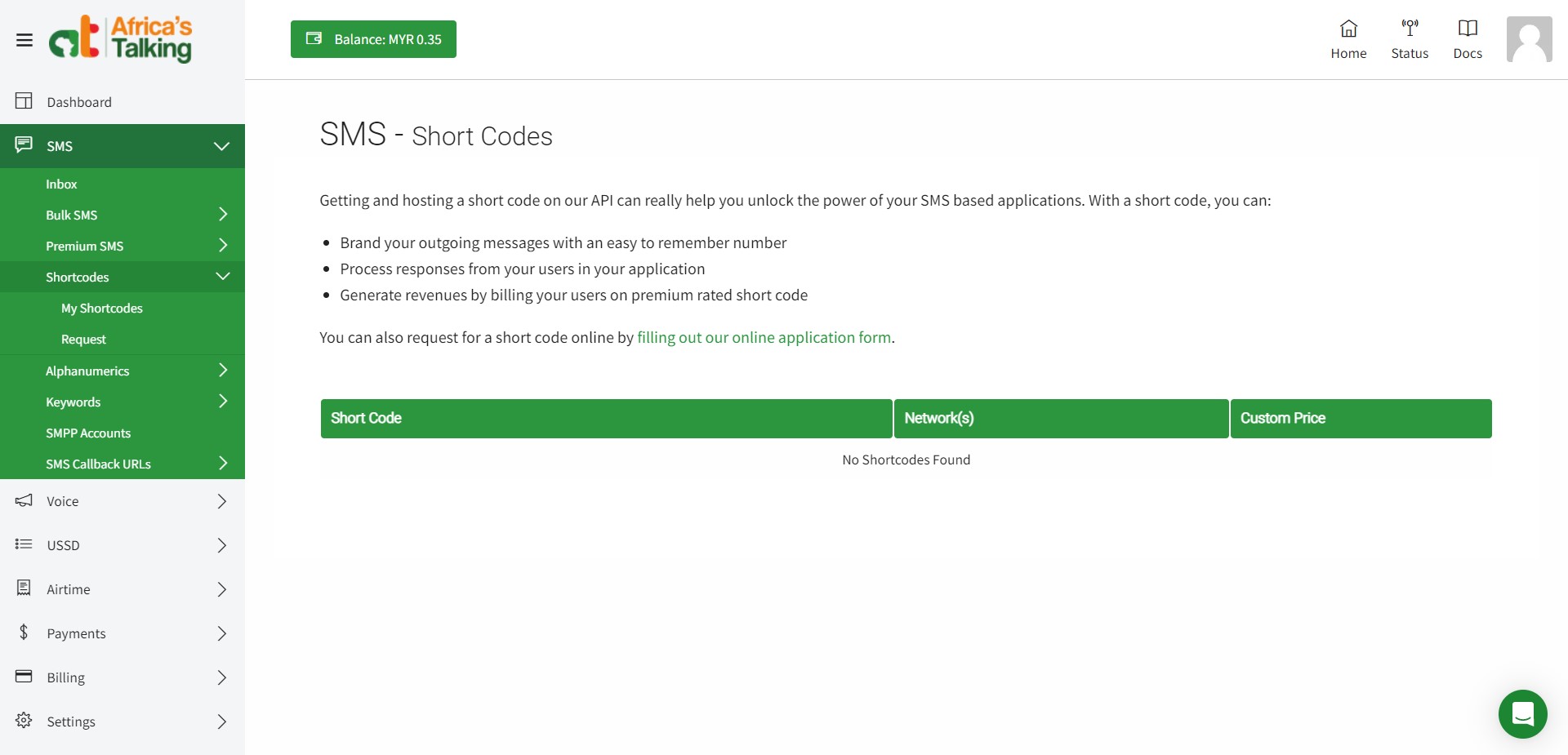

Save all the required info into the Africa's Talking CONFIGURATION tab.
Go to the WEBHOOK tab on Proto AICX platform, copy the Webhook URL and paste it into Africa's Talking dashboard, SMS > SMS Callback URLs > Incoming Messages page and submit the URL.
Go to the Africa's Talking channel SETTINGS tab in the Proto AICX platform, enable the channel, and click SAVE.
Africa's Talking Sandbox
You can use the Africa's Talking Sandbox App to test your chatbot before creating an actual app.
Quick enable/disable
Inside the your channel tab in Chatbots, you can enable and disable Africa's Talking at any time by clicking the toggle button.

Last updated